



Nationwide delivery
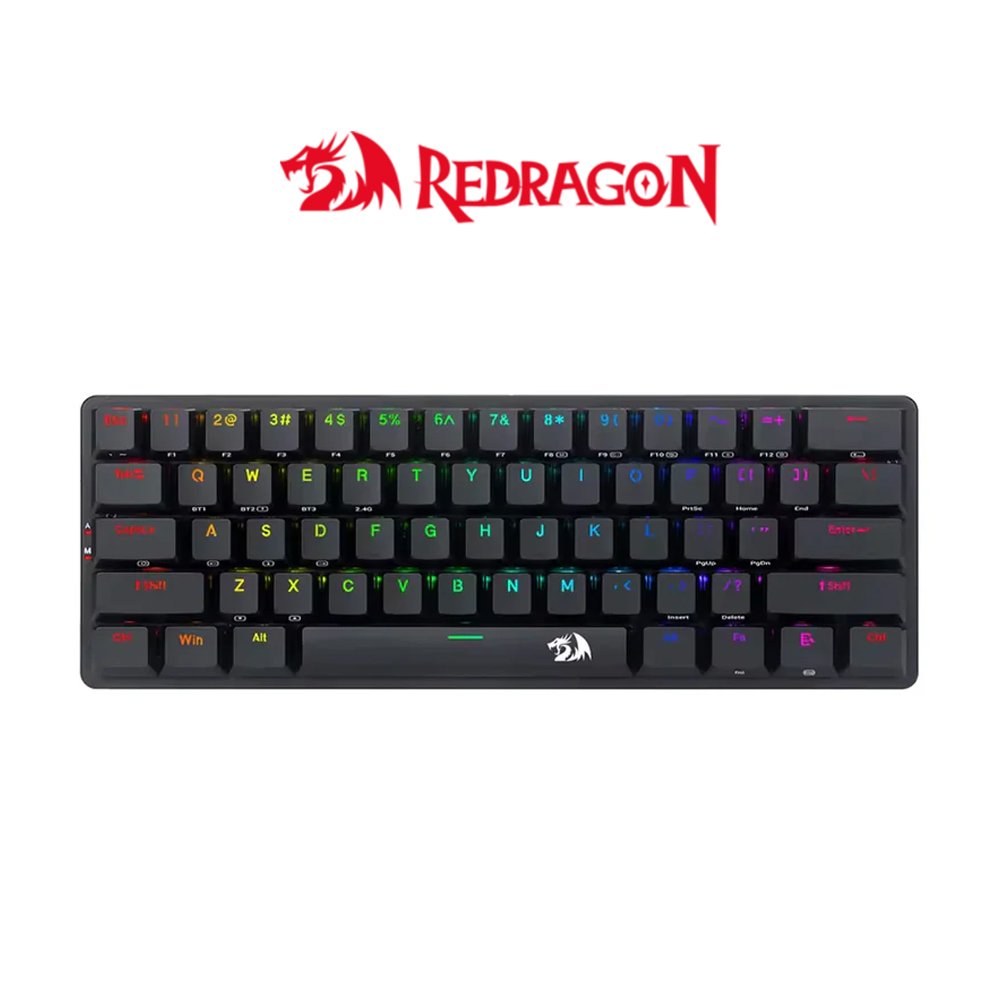
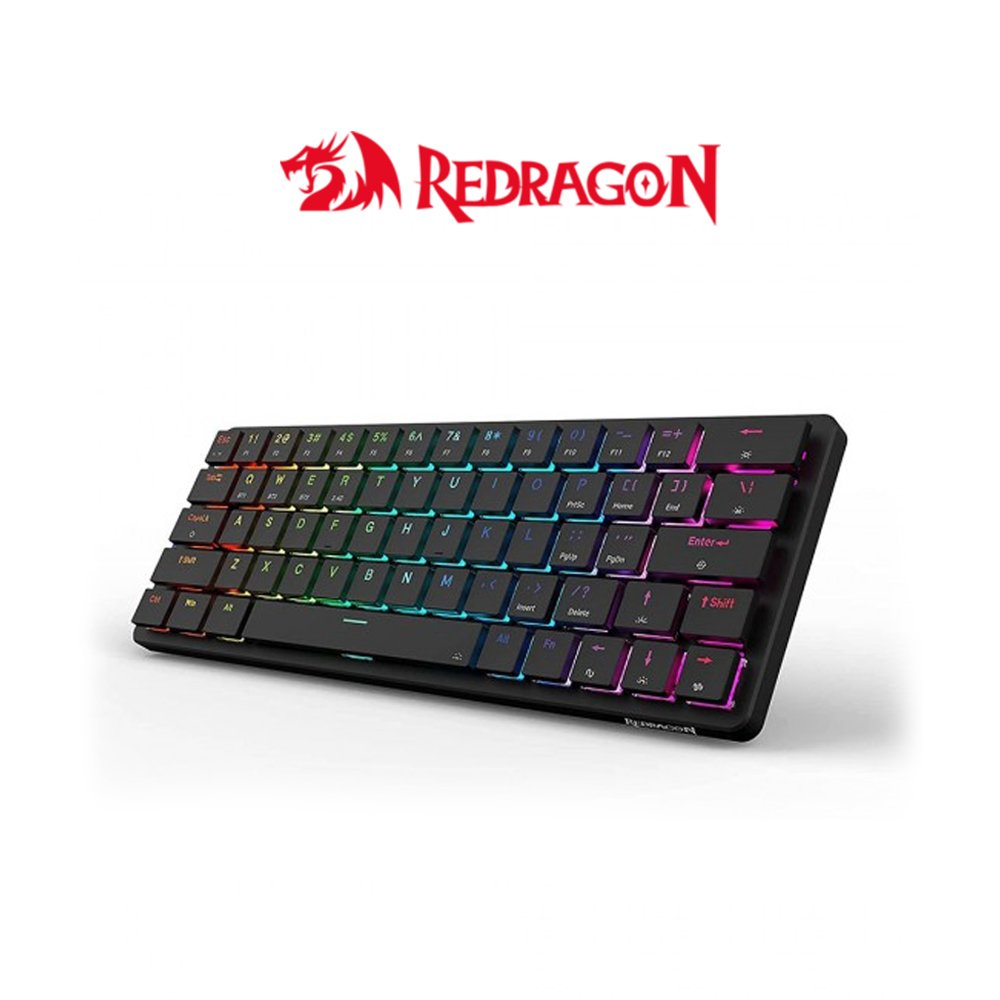
Redragon Elise Pro Wireless Tri Mode K615 60% RGB Mechanical Keyboard
Availability: Confirm Stock & Price before Ordering.
₱1,950.00
The Redragon Elise Pro (K615P-KBS) is a compact 60% low-profile wireless mechanical keyboard designed for versatility and portability.
Shipping & Delivery
-
Payment Method
Cash on Delivery, Store Pickup, Bank Transfer, Paypal, Gcash, Credit Card
-
DHL Courier delivery
DHL courier will deliver to the specified address
2-3 Days
-
Warranty 1 year
Specification
Overview
Processor
Display
RAM
Storage
Video Card
Connectivity
Features
Battery
General
Description
2.4G/BT/wired modes
61 keys to provide more space for the mouse
Removable mechanical switch for easy repair and DIY
Quite/soft touch /durable key
Aluminum chassis
N-key rollover
Wired Connection:
Wired Connection 1. Slide the 2.4G/OFF/BT switch on bottom of the keyboard to “OFF“ 2. Take out the USB A to USB Type C cable in the package and connect the keyboard with your computer 3. The computer will recognize and configure the keyboard automatically 4. The keyboard will be ready for use when the configuration is finished 5.Once the keyboard is powered up, charging begins. The LED marked with”M”on the left side of the keyboard will flash in white and then lights on red. It will turn to white when keyboard is fully recharge.
2.4G Wireless Connection:
1. Slide the 2.4G/OFF/BT switch on bottom of keyboard to”2.4G” 2. Take out the USB receiver and plug it into an available USB port on your computer. The computer will recognize and configure the keyboard automatically 3. The keyboard will be ready for use when the configuration is finished 4. In some cases, you may need to pair the keyboard. Turn on the keyboard and press [FN]+[R] for about 3 seconds, the LED marked with”M” flashes quickly in green, plug the USB receiver into any available USB port on your computer within 20 seconds. The keyboard will be paired automatically. Make sure the keyboard has enough power before doing so. 5.The indicator will flash when the battery is low. Please recharge the keyboard in time or it will turn off automatically soon
BT Connection:
1. Slide the 2.4G/OFF/BT switch on bottom of keyboard to”BT” 2. Press [FN]+[Q](or [W]V/[E] for other Bluetooth devices), the LED marked with”M”flashes in blue (or cyan/magenta for the others) 3. Turn on Bluetooth and scan for available devices on your computer or smart phone. It will find”BT3. 0Keyboard”or”BT50 KB”device. Select one of them to get connected with it automatically
Function Introduction 1. With standard USB and 2.4G/BT connections, the keyboard can be used on computers without any software or driver installation. 2. There are 20 backlight effects